

macOS
macOS 12 or newer · Apple silicon & Intel
Installer
Download for macOSGet the latest installer
Universal · .dmg
 FolderSkin
Your best memories wear the same plain folder as your old paperwork.
FolderSkin gives every folder a picture that fits what's inside, on macOS, Windows and Linux.
Free for macOS, Windows and Linux

MAKE IT YOURS
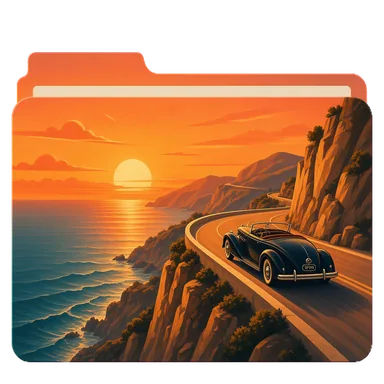
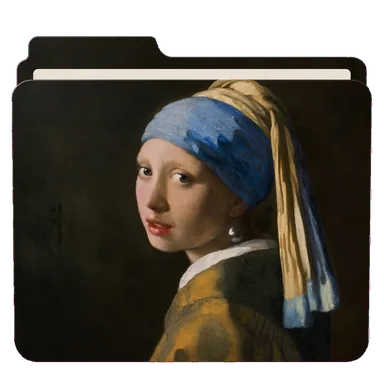
Polaroids for your photos, a travel poster for a trip, a record for your music, pop art for the weekend. A folder that looks like what it holds is quicker to find, and nicer to open.
 Photos
 Trip
Trip
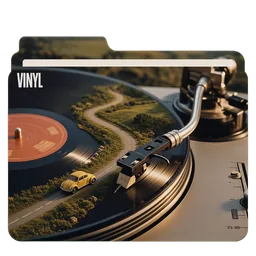 Music
Music
 Movie night
 Ideas
Ideas
 Reading
 Weekend
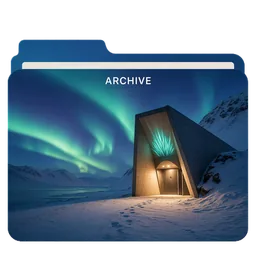 Archive
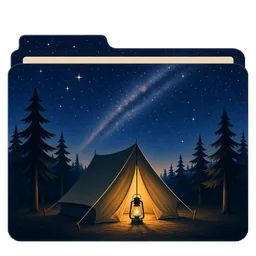 Outdoors
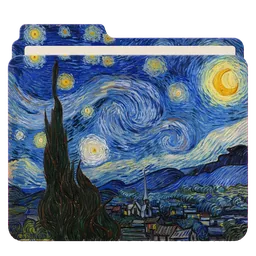 Art
Art
 Science
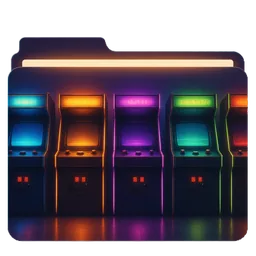 Games
Games
HOW IT WORKS
No digging through system settings, and nothing inside the folder changes.
Read the guidesDrag it onto FolderSkin, or click to pick one. The first time it opens, FolderSkin offers free packs to start your library.
Click a skin and the folder wears it straight away. Nothing changes on disk until you apply.
The new look shows up in Finder, File Explorer or your Linux file manager. Changed your mind? Revert puts the old icon back.
INCLUDE SUBFOLDERS
Turn on Include subfolders, and the skin goes on every folder inside, all the way down. FolderSkin counts them first and asks before a big run. Then you can watch each folder change.
COMMUNITY PACKS
People make skins and share them in themed packs: old masters, travel posters, pop art, science, music, nature and plenty more. Add a pack in one click and its skins arrive in your library, tagged and ready to try.
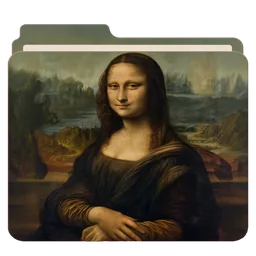


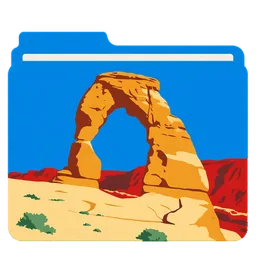







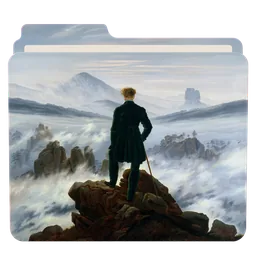


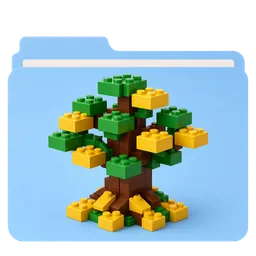



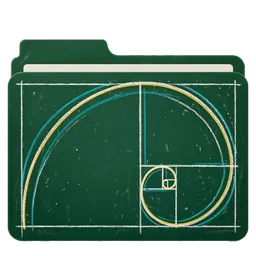
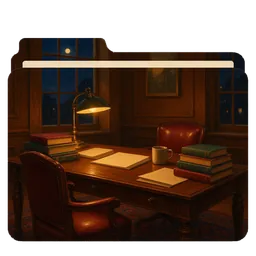
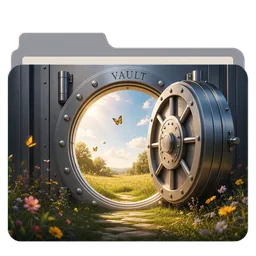
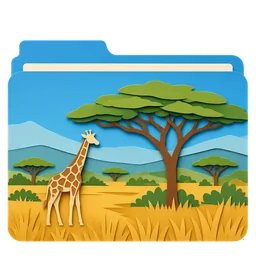
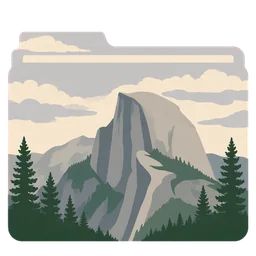

Featured packs come first, and search finds any pack or skin by name or tag, even offline.
Packs the maintainer vouches for wear an Official badge.
Every pack in the gallery on this site has an Install button that opens FolderSkin and adds it for you.
When a pack you added changes, FolderSkin offers the update.
SHARE YOURS
Put them in a pack and send it from inside FolderSkin. There's no account to make, and you don't need GitHub.
Pictures go up losslessly, so the pack looks exactly as you made it. A list of your submissions shows where each pack is, and why if one is turned down.
Tick the ones to share, name the pack and choose a licence.
Send it for review right from the app. It's free.
Nobody else sees the pack until it's approved.
Approved packs show up in the gallery and in the app's Community, for everyone.
Free for macOS, Windows and Linux. No account, no subscription.
DESIGN YOUR OWN
The composer is a canvas shaped like your folder. Begin with a plain colour, a label, an emoji, glass, stripes or a photo with a caption, then change whatever you like. It works offline, and Save & apply puts your design straight on the folder.
 Ideas
Ideas
 Ideas
Ideas
A taste of the composer, drawn with the same folder layers it uses.
GENERATE WITH AI
Type an idea, pick a style, and ask for changes in the same chat until it's right. Then put it on your folder.
Set up the Local Model once and paint with no key, no account and nothing sent anywhere. It runs on Apple silicon Macs with macOS 14 or later, and on Windows and Linux PCs.
Bring a key from OpenAI, Google Gemini, xAI Grok, Black Forest Labs, Recraft, Stability AI or Ideogram. It's stored encrypted on your computer, and requests go straight to the provider.
Give ChatGPT or Grok FolderSkin's folder template and prompt, then drop the picture it paints onto FolderSkin.
COMMAND LINE
The folderskin command paints folder art with the Local Model or your own key, tidies pictures up, applies and reverts icons, and makes and checks packs. Two jobs it's especially good at:
# Install it on a Mac or Linux
curl -fsSL https://folderskin.app/install-cli.sh | sh
# Set up the Local Model, once
folderskin ai setup
# Paint four takes on one idea
folderskin ai gen "a lighthouse at dusk" --style woodblock -n 4
# Paint every folder in Projects from its name, and apply them
folderskin ai theme ~/Projects --style travel-poster --apply
# Put a picture on a folder, then take it off again
folderskin apply ~/Music --image vinyl.webp
folderskin revert ~/MusicPRIVACY
No account to make, and nothing that tracks you. Your folders, pictures, designs and settings stay on your computer, and FolderSkin only goes online for the few things that need it.
OPEN SOURCE
FolderSkin's code is public, so you can read exactly what it does before it touches a folder.
Use it, study it, change it and share it, under the GPL-3.0. There's no paywall and no subscription.
When a new version is out, FolderSkin shows what changed. Every update is signed, and checked before it installs.
Under 20 MB to download on a Mac, and a folder takes about a tenth of a second to skin.
The Mac app is signed and notarized by Apple.
No. It only changes the folder's icon, the way your system expects: an invisible icon file on a Mac, a desktop.ini and a small icon file on Windows, a .directory file on Linux. What you keep in the folder isn't touched, and Revert removes only what FolderSkin wrote.
Yes. FolderSkin is open source under the GPL-3.0, with no account, no paywall and no subscription. The one thing that can cost money is AI with your own key, which your provider bills you for. The Local Model is free.
No. Community packs, your own photos and the composer all work without AI. If you'd like AI anyway, the Local Model needs no key, and neither does ChatGPT's or Grok's chat with FolderSkin's prompt.
Press Revert, and the folder gets its usual icon back. A folder that already has a custom icon offers Remove custom icon as soon as you pick it. Uninstalled FolderSkin first? The platform notes show how to remove an icon by hand.
Dolphin and the other KDE file managers, GNOME Files, Nemo and Caja. Thunar and some minimal file managers don't show custom folder icons. FolderSkin still writes them, so they appear if you switch.
The Windows installer isn't signed yet, so SmartScreen asks first. Choose More info, then Run anyway. The Mac app is signed and notarized by Apple, so it opens like any other app.
They work. The small files FolderSkin writes sync like any others, and a computer on a different system ignores them. On Windows, OneDrive's Files On-Demand can block the folder setting Windows needs.
DOWNLOAD
Pick your system, then make yourself at home.
Latest release & release notesmacOS 12 or newer · Apple silicon & Intel
Universal · .dmg
Windows 10 and 11 · 64-bit PCs
x86_64 & ARM64 · glibc 2.35 or newer
Linux support depends on your file manager. See platform notes